WhatsApp AI Chatbot: Text, Image, PDF Automation
Automate WhatsApp with this n8n workflow! AI-powered automation responds to texts, images, audio, & PDFs. Build your smart assistant today!
- •Automate customer support with n8n: Instantly respond to WhatsApp inquiries, route complex issues to human agents, and improve customer satisfaction using our **WhatsApp chatbot automation** workflow template.
- •Audio Transcription and Response: A journalist can record interviews and send the audio files to the bot for transcription, then receive AI-generated responses or summaries based on the transcribed text.
- •Personal Assistant: An individual can use this workflow as a personal assistant, sending reminders, asking for information via SerpAPI, scheduling events in Google Calendar, or sending emails via Gmail, all through WhatsApp.
- 1Create a WhatsApp Business account and retrieve your API Key and Phone Number ID from the Meta Developer Platform.
- 2Create accounts and obtain API keys for OpenAI, SerpAPI, and set up OAuth2 credentials for Gmail, Google Drive, and Google Calendar.
- 3Configure the 'WhatsApp Trigger' node with your WhatsApp Business account credentials and subscribe to the 'messages' update.
- 4Configure the HTTP Request nodes ('Download Image', 'Download Audio', 'Download File') with your Perplexity API credentials.
- 5Configure the OpenAI nodes ('Analyze Image', 'Transcribe Audio', 'OpenAI Chat Model', 'Generate Audio Response') with your OpenAI API credentials.
- 6Configure the Langchain nodes ('AI Agent1', 'Simple Memory') by providing your OpenAI API key and adjusting the parameters to fine-tune agent behavior and memory retention.
- 7Configure the Google tools (Gmail, Google Drive, Google Calendar) with respective credentials.
- 8Test the workflow by sending different types of messages (text, image, audio, PDF) to your WhatsApp bot and verify the responses.
{
  "id": "VYpljlOfa9VQui9h",
  "meta": {
    "instanceId": "eae46237f0b03e1e21495b9d127d17ad71e5e7504c7d7b1084f9a3d34657c561",
    "templateCredsSetupCompleted": true
  },
  "name": "Whatsapp AI-Powered Chatbot",
  "tags": [],
  "nodes": [
    {
      "id": "a349c382-f158-416c-b6ab-dfb9f173adc4",
      "name": "WhatsApp Trigger",
      "type": "n8n-nodes-base.whatsAppTrigger",
      "position": [
        1220,
        1220
      ],
      "webhookId": "d3978cae-2aca-4553-8ac7-ab89068deabc",
...- WhatsApp OAuth account
- Perplexity API
- OpenAi account
- WhatsApp account
- SerpAPI account
- Gmail OAuth2
- Google Drive OAuth2 Api
- Google Calendar OAuth2 Api
Comments (0+)
Sign in to join the discussion
No comments yet. Be the first!
Related Workflows
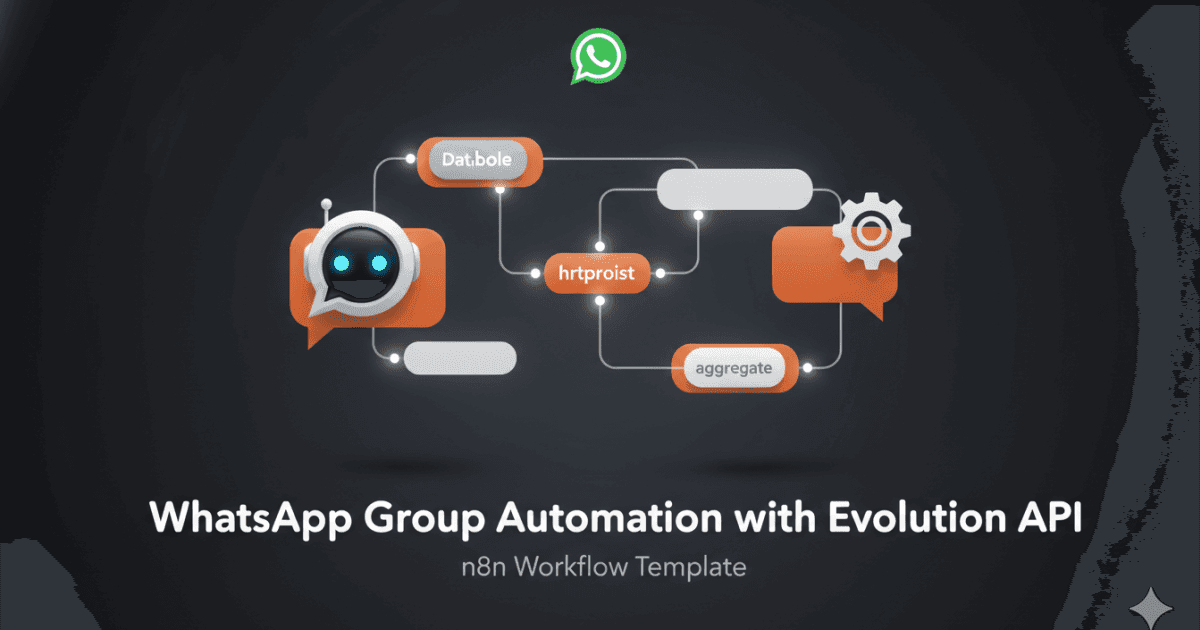
This workflow automates the process of summarizing WhatsApp group conversations using the Evolution API and sending the summary back to the group.
Key Features: WhatsApp group message retrieval, conversation summarization, and automated response sending.
Benefits: Saves time, increases productivity, and enhances communication within WhatsApp groups.
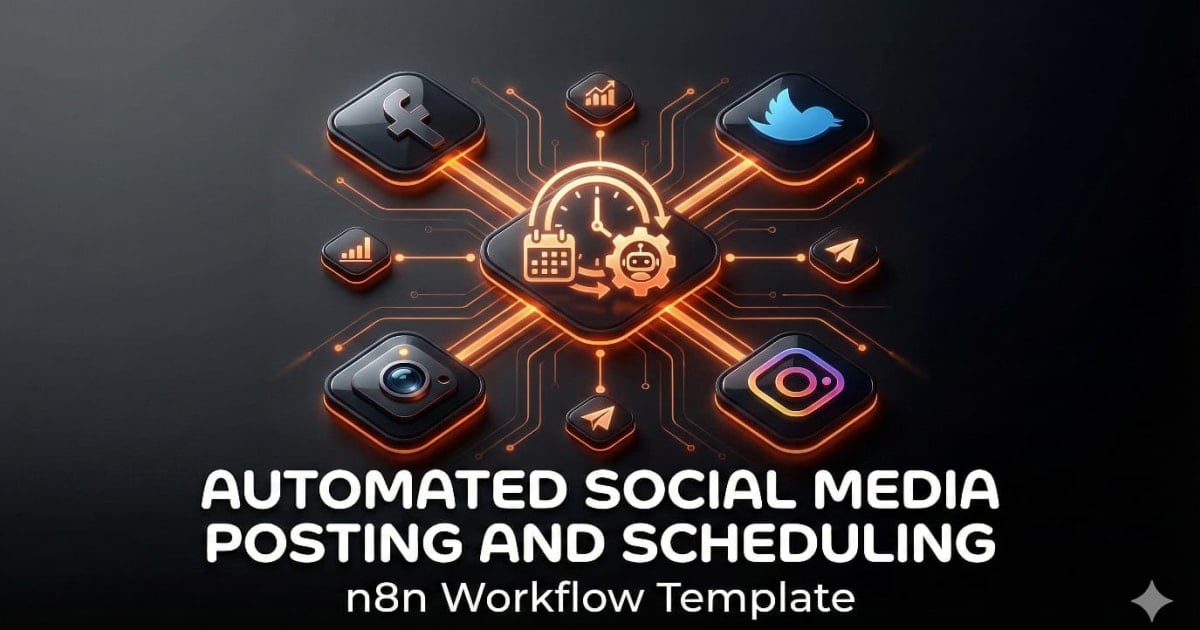
Streamline your social media marketing with this powerful n8n workflow. This workflow automates the process of publishing content across multiple platforms, including Facebook, Instagram, LinkedIn, TikTok, YouTube, Threads, Twitter, Bluesky and Pinterest, saving you time and effort. Simply submit a video or image URL along with text, and the workflow handles the distribution.
Benefits:
- Save time by automating social media posting.
- Maintain a consistent brand presence across multiple platforms.
- Increase efficiency in your social media marketing efforts.
Key Features:
- Supports multiple social media platforms.
- Customizable content for each platform.
- Easy to use with a simple form submission trigger.
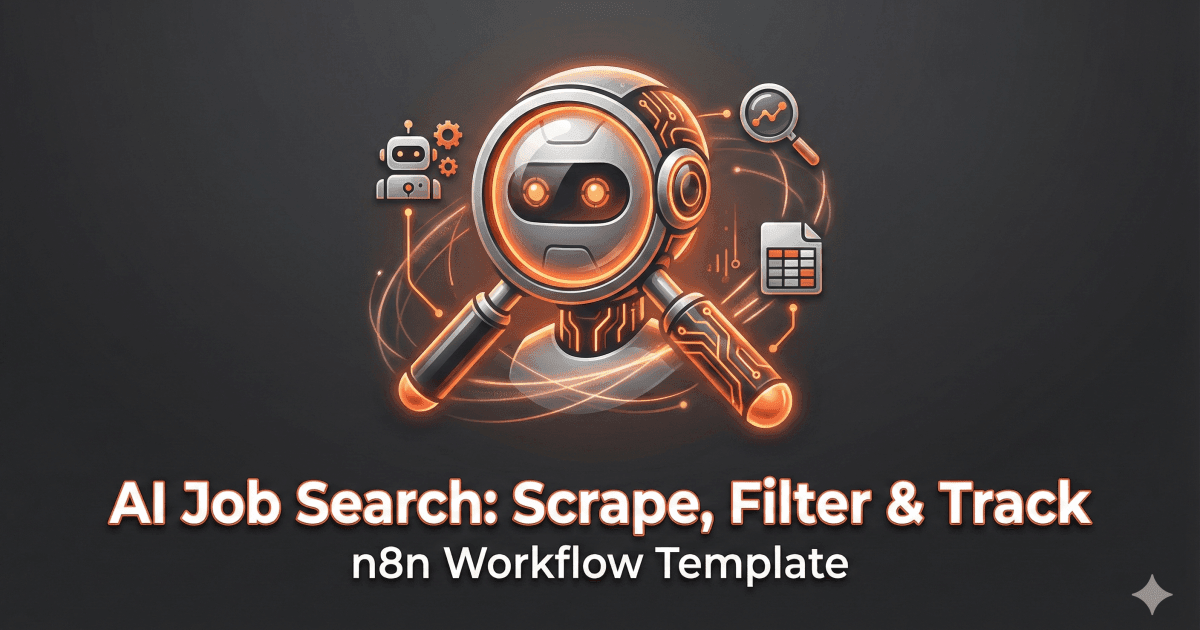
Automate your job search with this powerful workflow! This workflow uses AI to understand your job preferences, then scrapes job boards like LinkedIn, Indeed, and Glassdoor for relevant openings.
It filters the results, extracts key information, and appends the job details to a Google Sheet for easy tracking. Spend less time searching and more time applying!
Key Features: AI-powered intent recognition, multi-source job scraping, structured data extraction, automated Google Sheets logging.