Automated Social Media Posting and Scheduling
Streamline your social media marketing with this powerful n8n workflow. This workflow automates the process of publishing content across multiple platforms, including Facebook, Instagram, LinkedIn, TikTok, YouTube, Threads, Twitter, Bluesky and Pinterest, saving you time and effort. Simply submit a video or image URL along with text, and the workflow handles the distribution.
Benefits:
- Save time by automating social media posting.
- Maintain a consistent brand presence across multiple platforms.
- Increase efficiency in your social media marketing efforts.
Key Features:
- Supports multiple social media platforms.
- Customizable content for each platform.
- Easy to use with a simple form submission trigger.
- •Automate social media marketing by using this n8n workflow to schedule and automatically publish promotional content, videos, and images across multiple social media platforms from a single source.
- •Automate your content distribution workflow with n8n: Automatically share new videos across YouTube, TikTok, and other social media platforms to boost engagement, save time, and maximize your reach as a content creator.
- •Automate social media management for marketing agencies with this n8n workflow, enabling scheduled posts, consistent branding, and efficient client communication across multiple platforms.
- •Automate social media marketing for small businesses with this n8n workflow, effortlessly cross-posting content to multiple platforms and saving valuable time while maintaining an active and engaging online presence.
- •Automate event promotion by using this n8n workflow to simultaneously post event announcements, including date, time, and location, across multiple social media platforms, maximizing event visibility and driving ticket sales.
- 1Obtain a Blotato API key from Blotato and save it securely.
- 2Create or log in to your social media accounts on Instagram, Facebook, LinkedIn, TikTok, YouTube, Threads, Twitter, Bluesky and Pinterest.
- 3In the 'Prepare for Publish' node, enter your Blotato API key, all your social media account IDs, and adjust default text as required.
- 4If posting to facebook, create a Facebook Page and record the Page ID. Also obtain the Facebook account ID.
- 5If posting to Pinterest, create a board and record the board ID, as well as the Pinterest account ID.
- 6Configure the 'On form submission' node. Ensure the webhook URL is correctly set to trigger the workflow when a new submission is received.
- 7Test the workflow by submitting a media URL through the form. Check that the video is successfully uploaded to Blotato.
- 8Verify that posts are correctly published on all selected social media platforms. Check for errors in n8n execution logs.
{
  "id": "2sJVqAo5WeO1lzjB",
  "meta": {
    "instanceId": "69f54ab0f1afba7dd61c0a7a7609df8a8bd98642cf42d92572ea26f947c9a1d8",
    "templateCredsSetupCompleted": true
  },
  "name": "Multi-Platform Publisher",
  "tags": [],
  "nodes": [
    {
      "id": "1c6127e8-ff55-4a18-a948-32325b490611",
      "name": "Upload to Blotato",
      "type": "n8n-nodes-base.httpRequest",
      "position": [
        2000,
        1280
      ],
      "parameters": {
"url": "https://backend.blotato.com/v2/...- Blotato API Key
- Instagram Account
- Facebook Account
- LinkedIn Account
- TikTok Account
- YouTube Account
- Threads Account
- Twitter Account
- Bluesky Account
- Pinterest Account
Comments (0+)
Sign in to join the discussion
No comments yet. Be the first!
Related Workflows
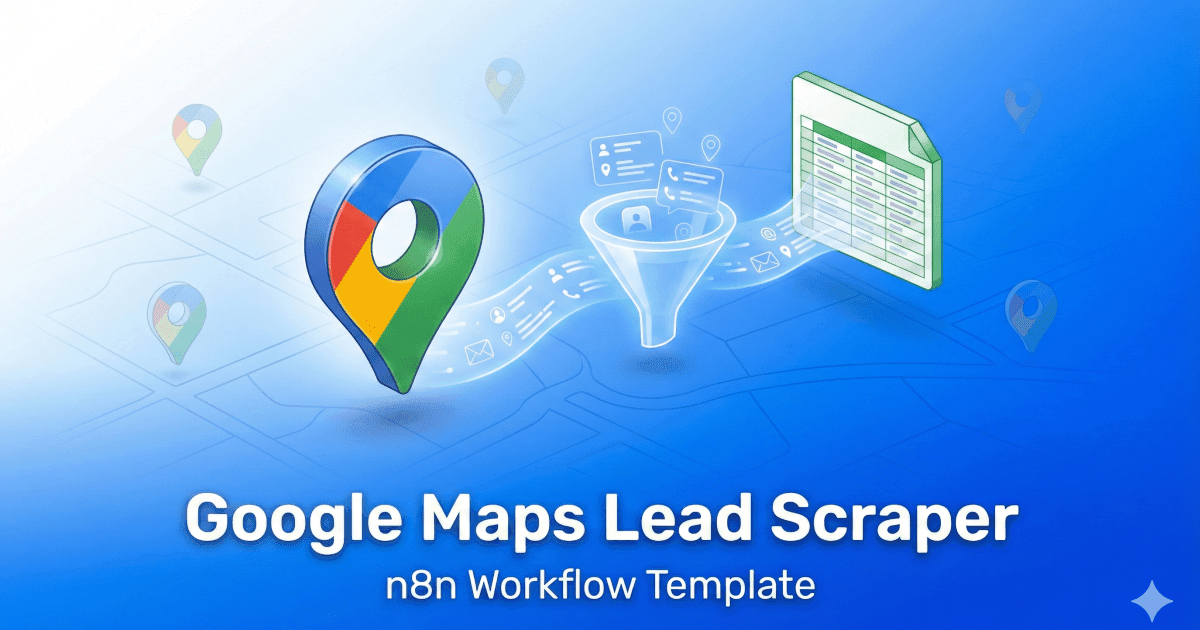
Discover the power of our n8n Google Maps Lead Scraper workflow! This ready-to-use template extracts valuable business details directly from Google Maps, converting them into high-quality leads without the hassle of manual work. Ideal for agencies, freelancers, and marketing professionals, it gathers essential data like names, phone numbers, emails, and ratings. Fully customisable, you can easily send leads to Google Sheets, Airtable, or any n8n-supported app. Import the JSON, add your credentials, and start automating your outreach in minutes—saving you time and boosting your business growth!
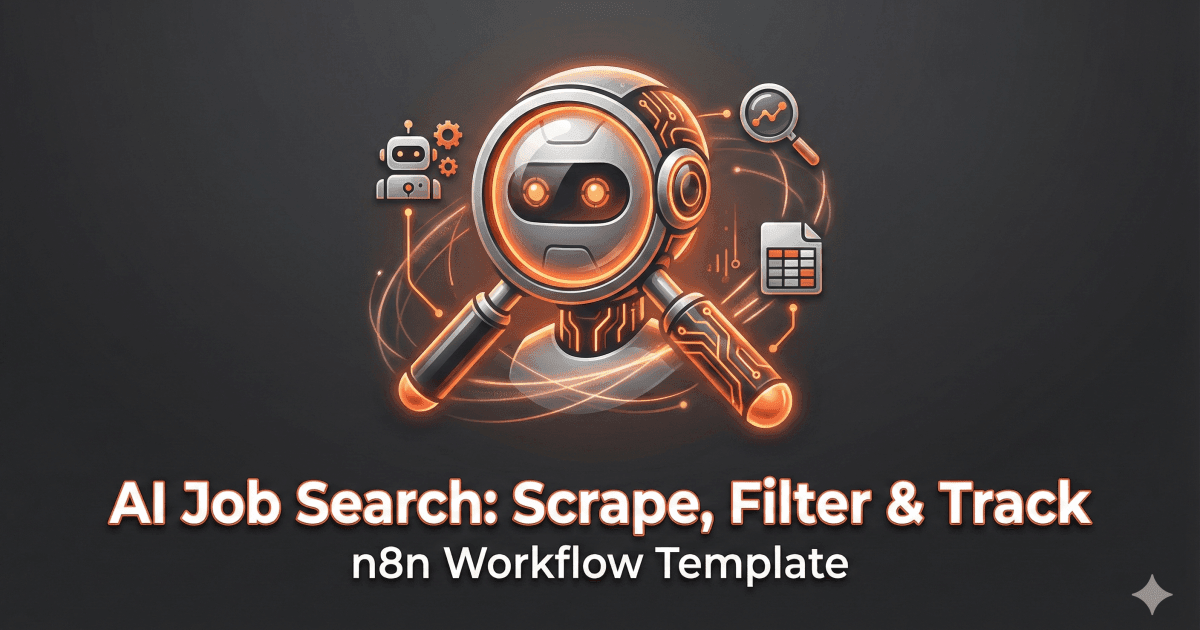
Automate your job search with this powerful workflow! This workflow uses AI to understand your job preferences, then scrapes job boards like LinkedIn, Indeed, and Glassdoor for relevant openings.
It filters the results, extracts key information, and appends the job details to a Google Sheet for easy tracking. Spend less time searching and more time applying!
Key Features: AI-powered intent recognition, multi-source job scraping, structured data extraction, automated Google Sheets logging.
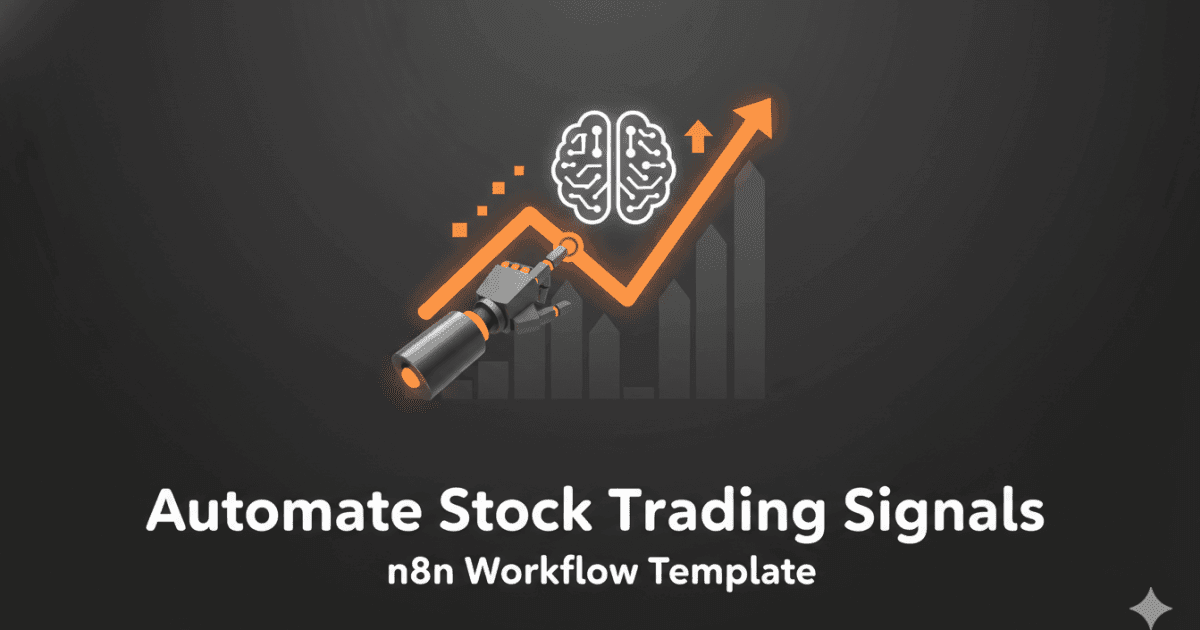
This workflow automates the process of fetching end-of-day stock data, generating swing trade ideas using OpenAI, and logging trade recommendations to Google Sheets. It utilizes RapidAPI for stock data, OpenAI for trade idea generation, and Google Sheets for tracking trades.
Key benefits include automated trade idea generation, real-time trade alerts via Telegram, and a centralized trade log in Google Sheets.
Ideal for traders and investors looking to leverage AI for data-driven trading decisions.