Automate Airtable CRM Workflows With n8n Integration
Automate CRM tasks in Airtable with n8n workflow, enhancing data management and productivity through AI-driven query parsing and automation.
- •Sales teams can leverage this n8n workflow template to automate contact and opportunity creation in Airtable, streamlining their sales process and minimizing manual data entry errors, while also identifying high-potential leads to maximize sales productivity. By integrating Airtable with n8n, teams can optimize their sales pipeline management, reduce data entry errors, and enhance overall sales performance.
- •Marketing teams can leverage n8n workflow templates to automate customer interaction management and preference tracking, driving personalized marketing campaigns and enhancing customer experiences through seamless workflow automation and data integration. By utilizing n8n's low-code workflow automation, teams can streamline customer data management, gain valuable insights from customer engagement and sentiment analysis, and optimize marketing strategy development for improved campaign effectiveness and customer satisfaction.
- •Customer support teams can leverage this n8n workflow template to automate support ticket creation and assignment, streamlining customer support operations and enhancing customer experience through improved response times and personalized issue resolution. By utilizing this workflow automation, teams can gain valuable insights into customer issues and resolutions, driving process optimization and increased customer satisfaction.
- 1Connect your Airtable account by providing your API token and configuring the airtableTool node
- 2Configure the OpenAI API token in the lmChatOpenAi node to enable AI-driven query parsing
- 3Set up the memoryBufferWindow node to store and retrieve conversation context
- 4Configure the CRM Assistant node to parse queries and create or update contacts and opportunities
- 5Test the workflow by triggering it with a sample query and verifying the results in Airtable
- 6Refine the workflow by adjusting node configurations and adding additional logic as needed
- 7Deploy the workflow in a production environment and monitor its performance
- 8Continuously evaluate and improve the workflow to ensure it meets changing business needs
{
  "id": "nu8l4lx88kpzTeoc",
  "meta": {
    "instanceId": "77f1d8375380ee2bc4995763b4e39528bf040d446fc3e9e5f6d802ec19784049"
  },
  "name": "CRM workflow",
  "tags": [],
  "nodes": [
    {
      "id": "4420795f-0484-4cf0-8206-f01a624e8592",
      "name": "Response",
      "type": "n8n-nodes-base.set",
      "position": [
        20,
        -20
      ],
      "parameters": {
        "options": {},
        "assignments": {
          "assignments": [
            {
"id": "4f360190-a...- Airtable API token
- OpenAI API token
Comments (0+)
Sign in to join the discussion
No comments yet. Be the first!
Related Workflows
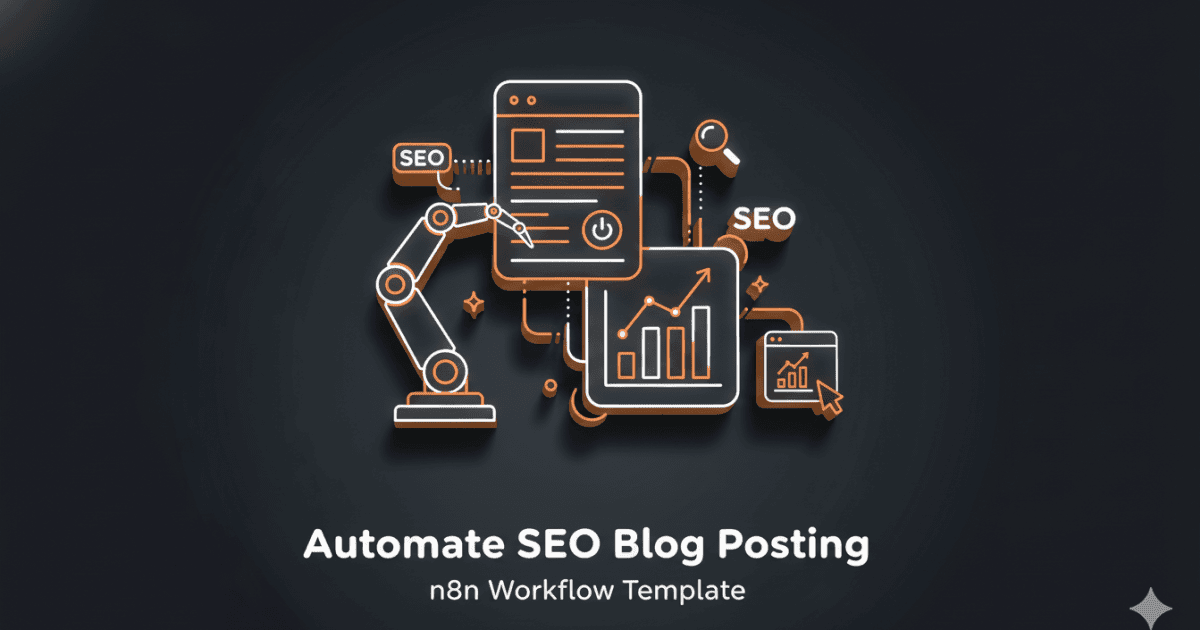
This workflow automates the creation of SEO-optimized blog posts using Google Sheets, Webflow, and AI-powered content generation.
It streamlines the process of creating high-quality, engaging content by leveraging the power of AI and machine learning.
Key features include automated content generation, SEO optimization, and seamless integration with Webflow for easy publishing.
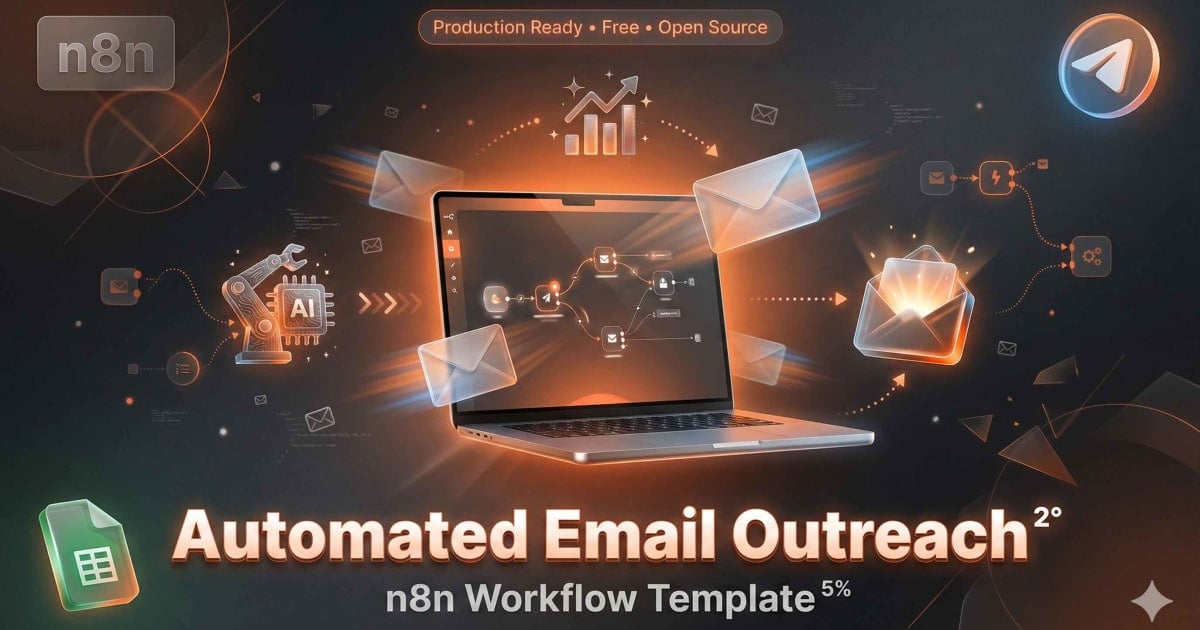
Automate email outreach with this n8n workflow! Sync Google Sheets data, send personalized emails, track opens, & manage subscriptions via Telegram automation
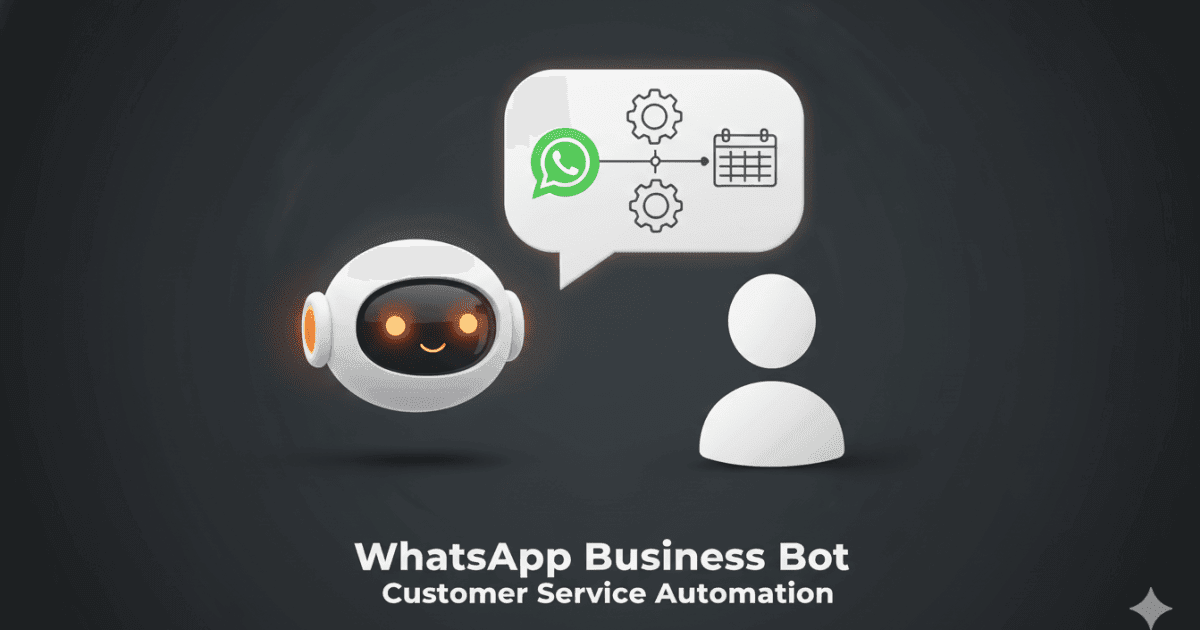
Automate WhatsApp Business with this n8n workflow! Connect Google Forms, send notifications, manage replies, and streamline customer interactions. #automation