Google Calendar Automation
This workflow automates Google Calendar tasks, such as creating and managing events, using a powerful AI agent. It streamlines event creation, retrieval, and modification processes, making it ideal for busy professionals and teams.
Key features include event creation with attendees, solo events, and event updates and deletions. The workflow also integrates with OpenAI for advanced language processing.
Benefits of this workflow include increased productivity, reduced manual errors, and enhanced collaboration. It's perfect for individuals and teams looking to optimize their Google Calendar experience.
- •By leveraging n8n workflow automation and AI-powered tools, marketing teams can streamline the process of creating recurring events, such as weekly meetings or quarterly webinars, and effortlessly send invitations to attendees while minimizing manual errors. This workflow template enables teams to save time and boost productivity by automating event creation, invitation sending, and even generating event descriptions and summaries using artificial intelligence.
- •A business owner can utilize this workflow to manage their Google Calendar, creating and updating events, and setting reminders. The workflow's integration with OpenAI enables the owner to generate event titles, descriptions, and invitations, making event management more efficient.
- 1Connect your Google Calendar account to the workflow using OAuth2 API credentials
- 2Set up the OpenAI API credentials to enable advanced language processing
- 3Configure the AI agent node to generate event titles, descriptions, and invitations
- 4Set up the event creation nodes to create events with attendees, solo events, and event updates and deletions
- 5Test the workflow by triggering it with a sample event creation request
- 6Verify that the workflow creates events correctly and updates the Google Calendar
- 7Use the workflow's logging and error handling features to troubleshoot any issues
- 8Refine the workflow as needed to optimize its performance and accuracy
{
  "id": "TkHxvBI0iEyvD1P6",
  "meta": {
    "instanceId": "77f1d8375380ee2bc4995763b4e39528bf040d446fc3e9e5f6d802ec19784049",
    "templateCredsSetupCompleted": true
  },
  "name": "Calendar workflow",
  "tags": [],
  "nodes": [
    {
      "id": "549027a2-a7ab-44f2-9867-47f3a23b6ccd",
      "name": "Try Again",
      "type": "n8n-nodes-base.set",
      "position": [
        0,
        200
      ],
      "parameters": {
        "options": {},
        "assignments": {
"assignments": [...- Google Calendar OAuth2 API
- OpenAI API
Comments (0+)
Sign in to join the discussion
No comments yet. Be the first!
Related Workflows
Streamline your social media marketing with this powerful n8n workflow. This workflow automates the process of publishing content across multiple platforms, including Facebook, Instagram, LinkedIn, TikTok, YouTube, Threads, Twitter, Bluesky and Pinterest, saving you time and effort. Simply submit a video or image URL along with text, and the workflow handles the distribution.
Benefits:
- Save time by automating social media posting.
- Maintain a consistent brand presence across multiple platforms.
- Increase efficiency in your social media marketing efforts.
Key Features:
- Supports multiple social media platforms.
- Customizable content for each platform.
- Easy to use with a simple form submission trigger.
This workflow automates the process of fetching end-of-day stock data, generating swing trade ideas using OpenAI, and logging trade recommendations to Google Sheets. It utilizes RapidAPI for stock data, OpenAI for trade idea generation, and Google Sheets for tracking trades.
Key benefits include automated trade idea generation, real-time trade alerts via Telegram, and a centralized trade log in Google Sheets.
Ideal for traders and investors looking to leverage AI for data-driven trading decisions.
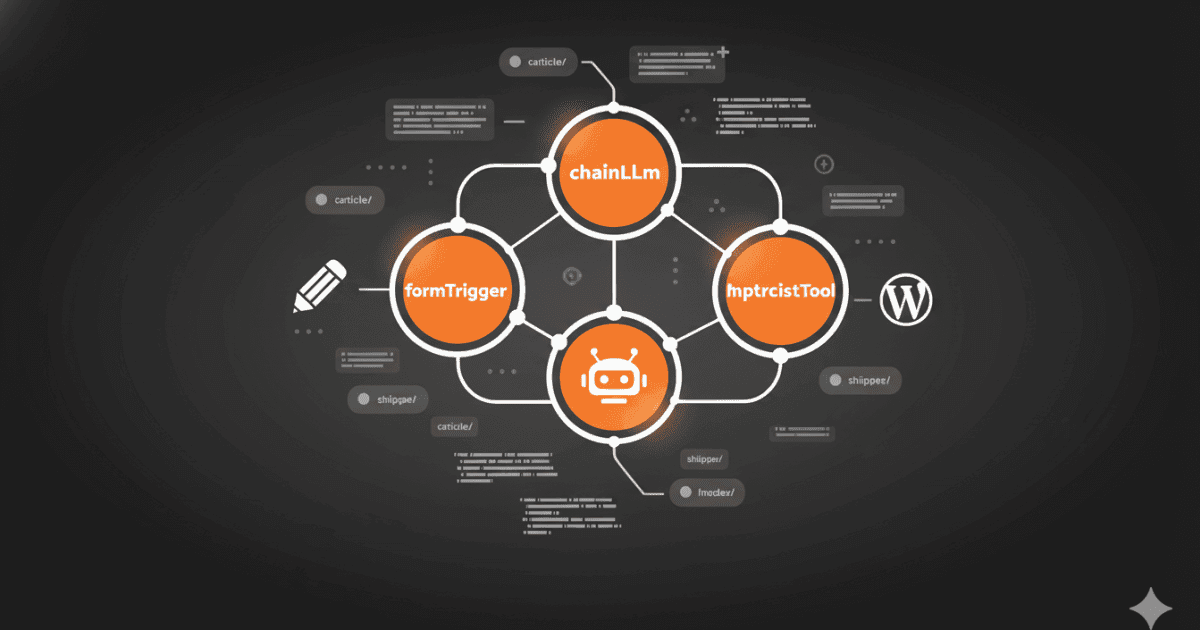
AI Content Creation n8n Workflow: Automate blog post generation from keyword research to WordPress publishing. Boost SEO & save time with automation!