Dealer Lead Qualifier with Google Sheets, Pinecone, and Hugging Face
Automate lead qualification with n8n workflow, using NLP & ML for accurate analysis, integrating Google Sheets, Pinecone, and Hugging Face for efficient automation.
- •Marketing agencies can boost campaign performance and customer engagement by utilizing this n8n workflow template to analyze customer feedback, identify trends, and create targeted marketing campaigns using Natural Language Processing (NLP) and Machine Learning (ML) techniques. By leveraging this automated workflow, agencies can gain valuable insights into customer preferences, optimizing their marketing strategies for maximum ROI.
- •Customer support teams can leverage this n8n workflow template to automate and optimize their support processes, utilizing workflow automation and integration with tools like Zendesk or Freshdesk to provide personalized customer support and enhance overall customer experience, while also reducing support tickets and improving customer satisfaction through proactive issue resolution. By streamlining support requests with n8n's low-code workflow platform, teams can respond quickly to customer inquiries and improve customer satisfaction metrics.
- •Leverage this n8n workflow template to automate data analysis, harnessing Natural Language Processing (NLP) and Machine Learning (ML) techniques to uncover valuable customer insights, enhance decision-making, and drive business innovation. By streamlining data-driven workflows, businesses can identify emerging trends, capitalize on new opportunities, and stay ahead of the competition in their industry.
- 1Create a new workflow in n8n and add the required nodes, including Webhook, Text Splitter, Embeddings, Vector Store, Tool, Memory, Chat, Agent, and Google Sheets.
- 2Configure the Webhook node to receive incoming leads and trigger the workflow.
- 3Set up the Text Splitter node to split the incoming text data into smaller chunks for analysis.
- 4Configure the Embeddings node to generate embeddings for the text data using the Cohere API.
- 5Set up the Vector Store node to store the embeddings in a Pinecone index for efficient search and retrieval.
- 6Configure the Tool node to interact with the Pinecone index and perform search and retrieval operations.
- 7Set up the Memory node to store the results of the search and retrieval operations for future reference.
- 8Configure the Chat node to interact with the Hugging Face API and generate personalized responses to customer inquiries.
- 9Test the workflow with sample data to ensure it is working as expected and make any necessary adjustments to the node configurations.
- 10Deploy the workflow to a production environment and monitor its performance to ensure it is meeting the required business objectives.
{
  "name": "Dealer Lead Qualifier",
  "nodes": [
    {
      "id": "10cea33a-c000-4e24-9f0d-2171b4677fc1",
      "name": "Sticky",
      "type": "n8n-nodes-base.stickyNote",
      "position": [
        -500,
        -250
      ],
      "parameters": {
        "width": 1100,
        "height": 520,
        "content": "## Dealer Lead Qualifier"
      },
      "typeVersion": 1
    },
    {
      "id": "6efd10a1-1894-49b8-86db-299fc884d2b0",
      "name": "Webhook",
"type": "n8n-nodes-base.web...- Cohere API
- Pinecone API
- Hugging Face API
- Google Sheets OAuth
Comments (0+)
Sign in to join the discussion
No comments yet. Be the first!
Related Workflows
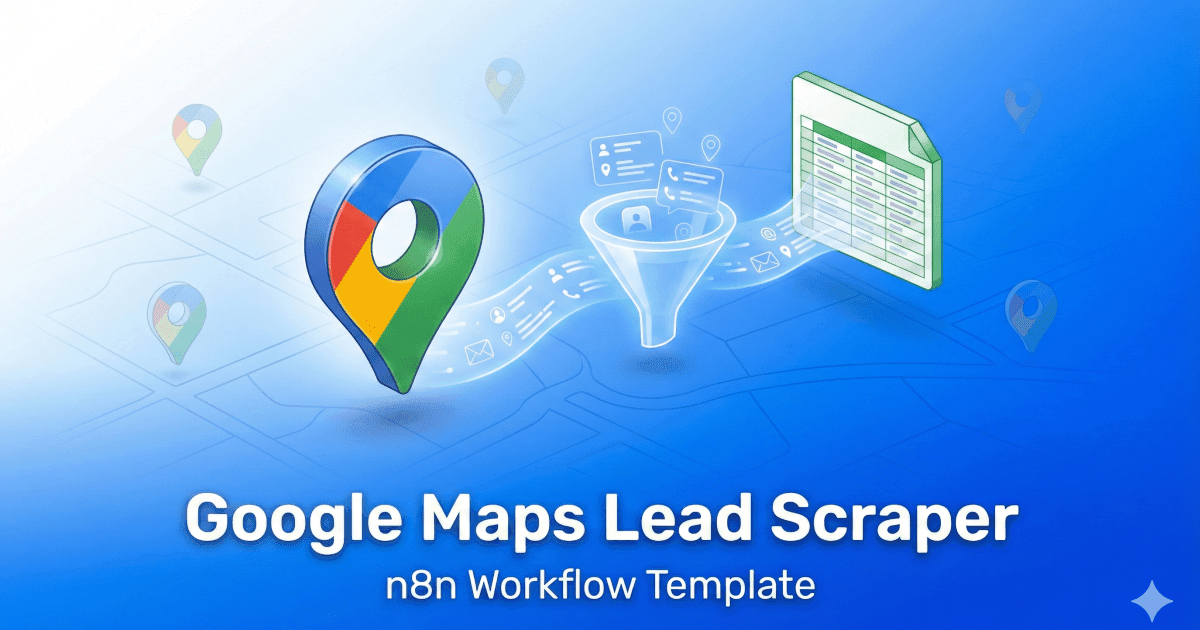
Discover the power of our n8n Google Maps Lead Scraper workflow! This ready-to-use template extracts valuable business details directly from Google Maps, converting them into high-quality leads without the hassle of manual work. Ideal for agencies, freelancers, and marketing professionals, it gathers essential data like names, phone numbers, emails, and ratings. Fully customisable, you can easily send leads to Google Sheets, Airtable, or any n8n-supported app. Import the JSON, add your credentials, and start automating your outreach in minutes—saving you time and boosting your business growth!
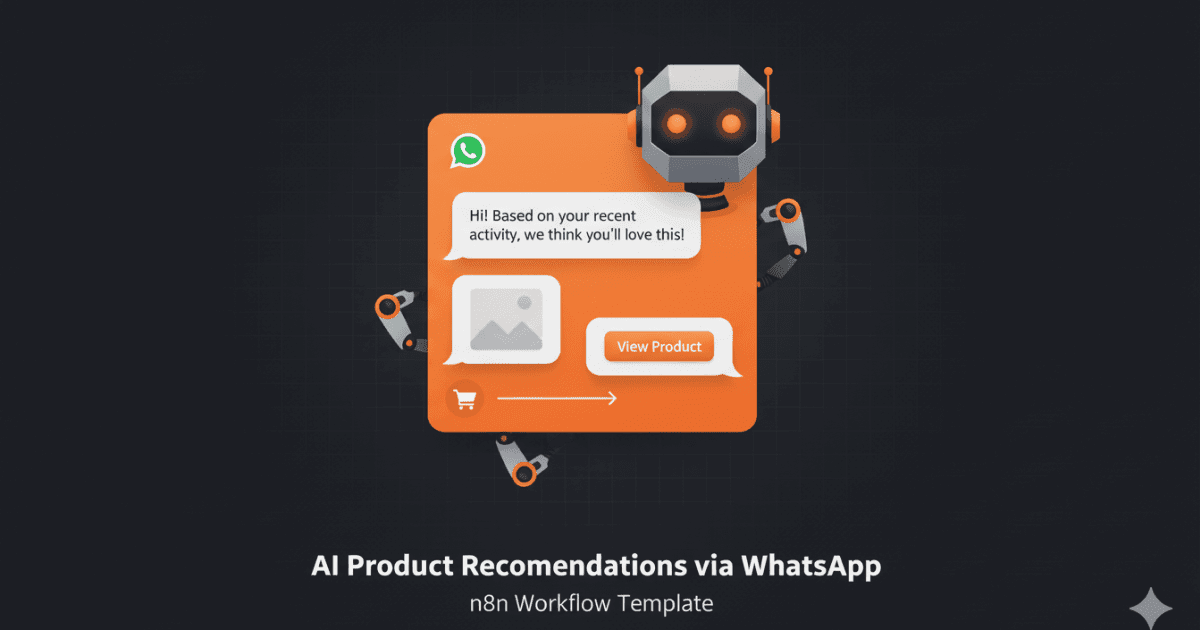
Automate personalized WhatsApp product recommendations with this n8n workflow! AI analyzes customer queries for smart automation and increased sales.
Generate personalized cold email icebreakers using AI to improve your outreach conversion rates. This workflow automates the process of scraping website data, summarizing content with GPT-4, and crafting unique opening lines for cold emails. Impress your prospects with personalized messages that demonstrate your understanding of their business and needs.
Key benefits include increased email engagement, higher response rates, and efficient lead nurturing. The workflow scrapes target websites for relevant information, leverages AI to create concise summaries, and formulates compelling icebreakers tailored to each recipient. It also supports integration with Google Sheets to manage and track your personalized email campaigns.
This workflow features Apify integration to find leads, HTML parsing, conditional filtering of URLs, markdown conversion, summarization using the OpenAI node, and finally creation of an icebreaker using the OpenAI node. It stores the data in Google Sheets